A voice-led iOS app

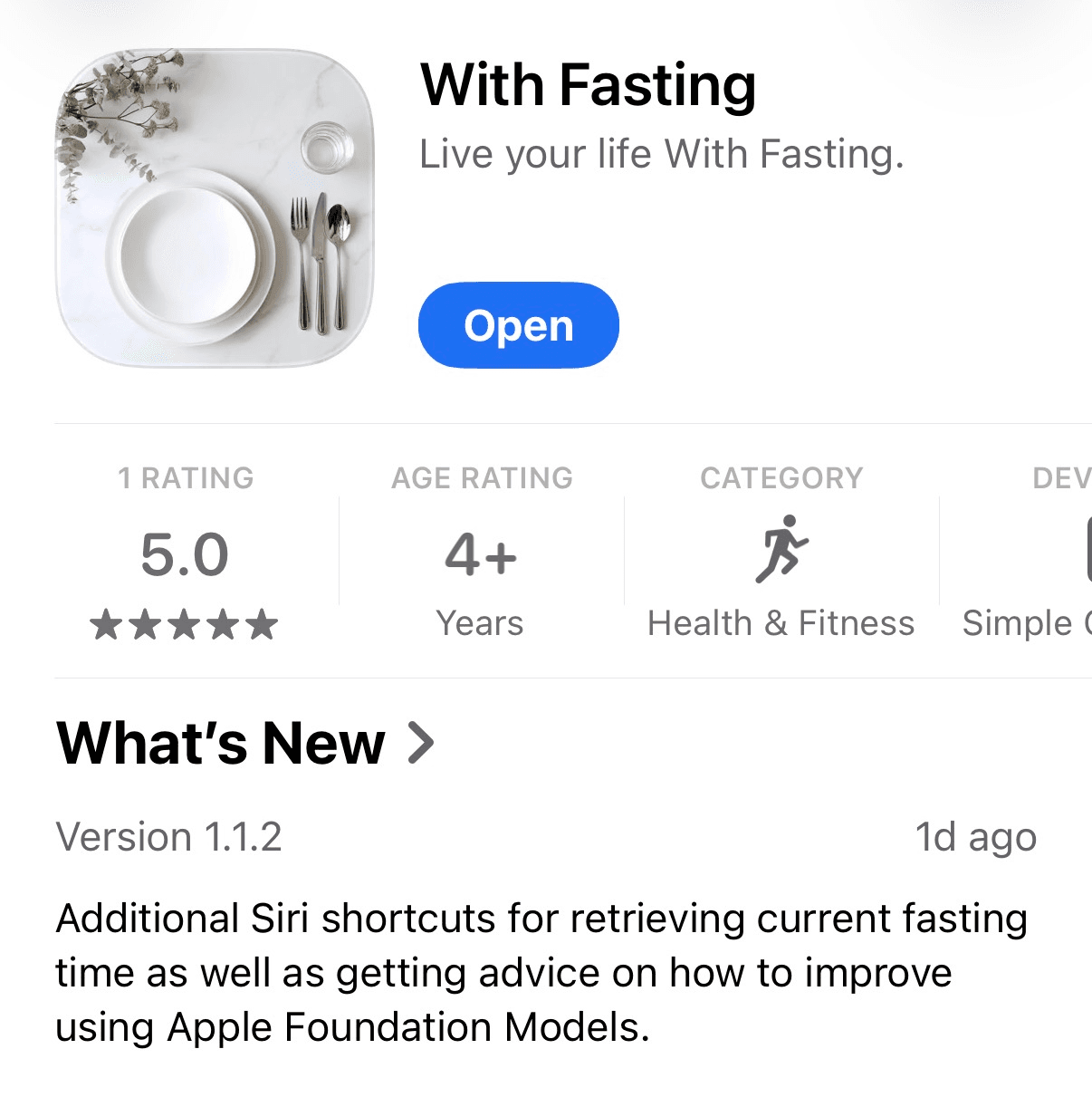
Back in December 2025, over the holiday break when Opus 4.5 was all the hype despite being released a month prior, I had it create an app that I needed. I am an intermittent faster, usually trying to stick to an 8 hour eating window everyday and getting a longer 22-24 hour fast at least once a week.
A struggle us intermittent fasters have, is remembering when we last ate everyday and then calculating the length of our fast in our heads. Too much energy is exerted and I needed a much simpler way to know how long I’d been fasting. Enter With Fasting.
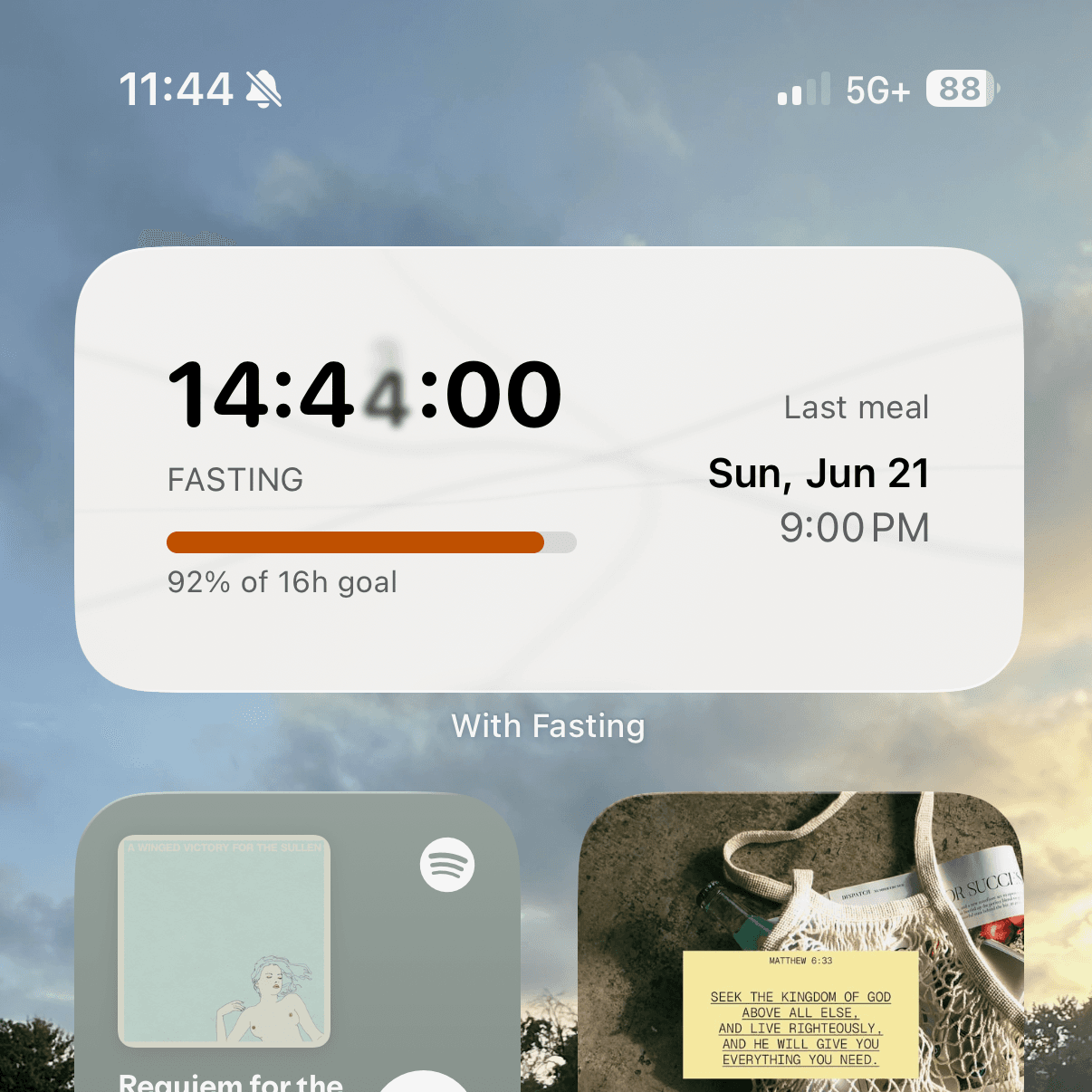
My first iteration, which lasted roughly 5 months, was a simple app that you would enter a meal and timestamp, and the home screen widget shows you a timer. Open your phone and see how long you’ve been fasting. No memory or math exertion. My problem was initially solved. At first, there was no progress bar, I added that 5 months after initial release.
Months go by, and I’ve been manually entering my meals everyday. I now have some data on what my fasting habits look like, how often I’m eating one meal a day, how often I’m missing my goal of 16 hours fasting, etc.
Then I bought a HomePod, and started experimenting a lot with Siri in my day to day to life to try and make things more simple and smart, optimizing my energy expenditure and offloading things to the compute that lives in my pocket. Naturally, I then thought it obvious to add a Siri shortcut to With Fasting, which would allow me to just tell Siri to log my meals for me. So I don’t even have to open the app.
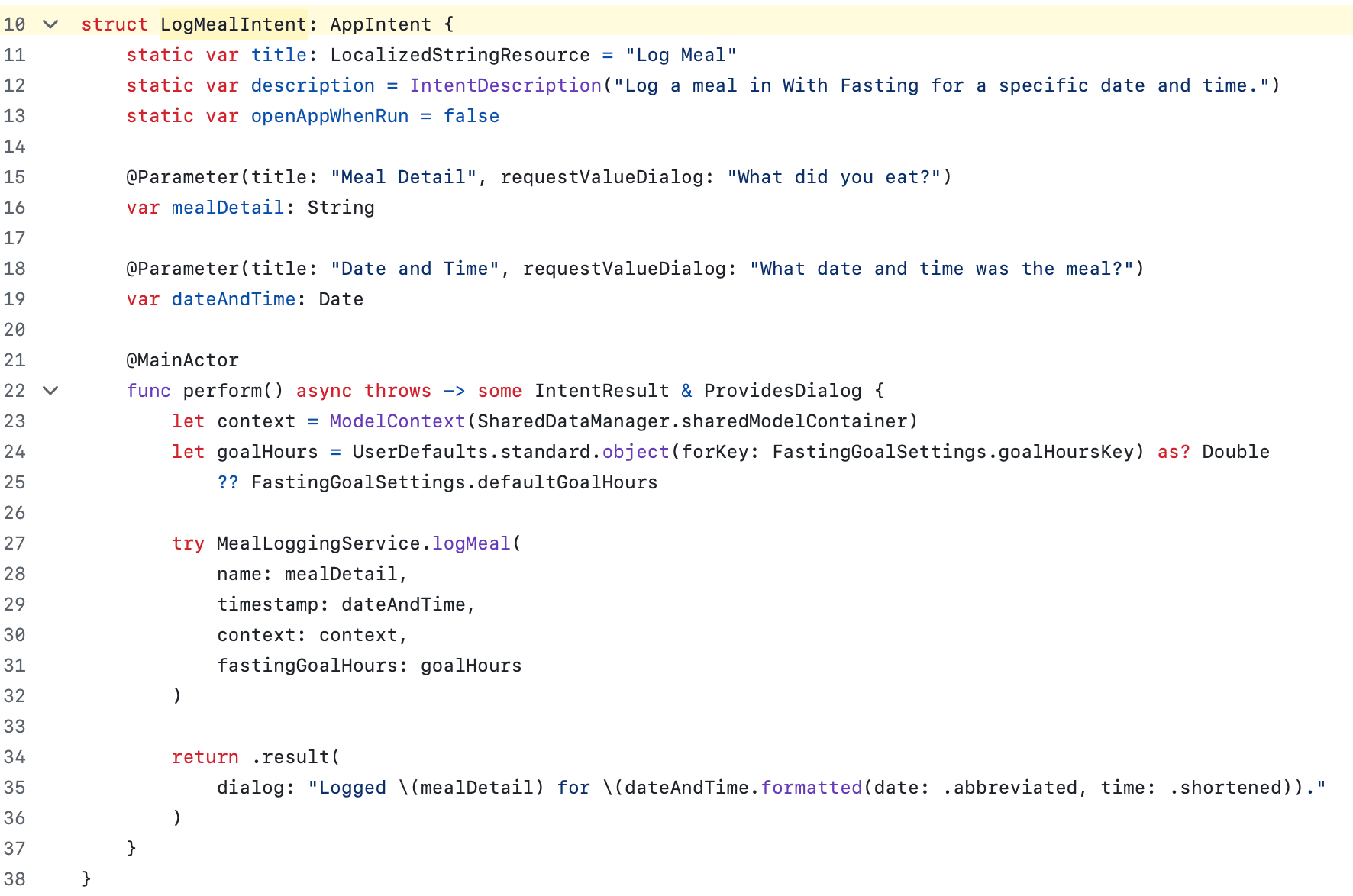
The code for this is really quite simple if you’re using Swift. You define the app shortcuts, and the functions for each, then register them when the app loads and that’s it. For example, to log a meal I just defined a function that uses Siri to ask for a few parameters - in my app’s case the meal and the timestamp are all that’s needed.
So my app shortcuts code looks like this:
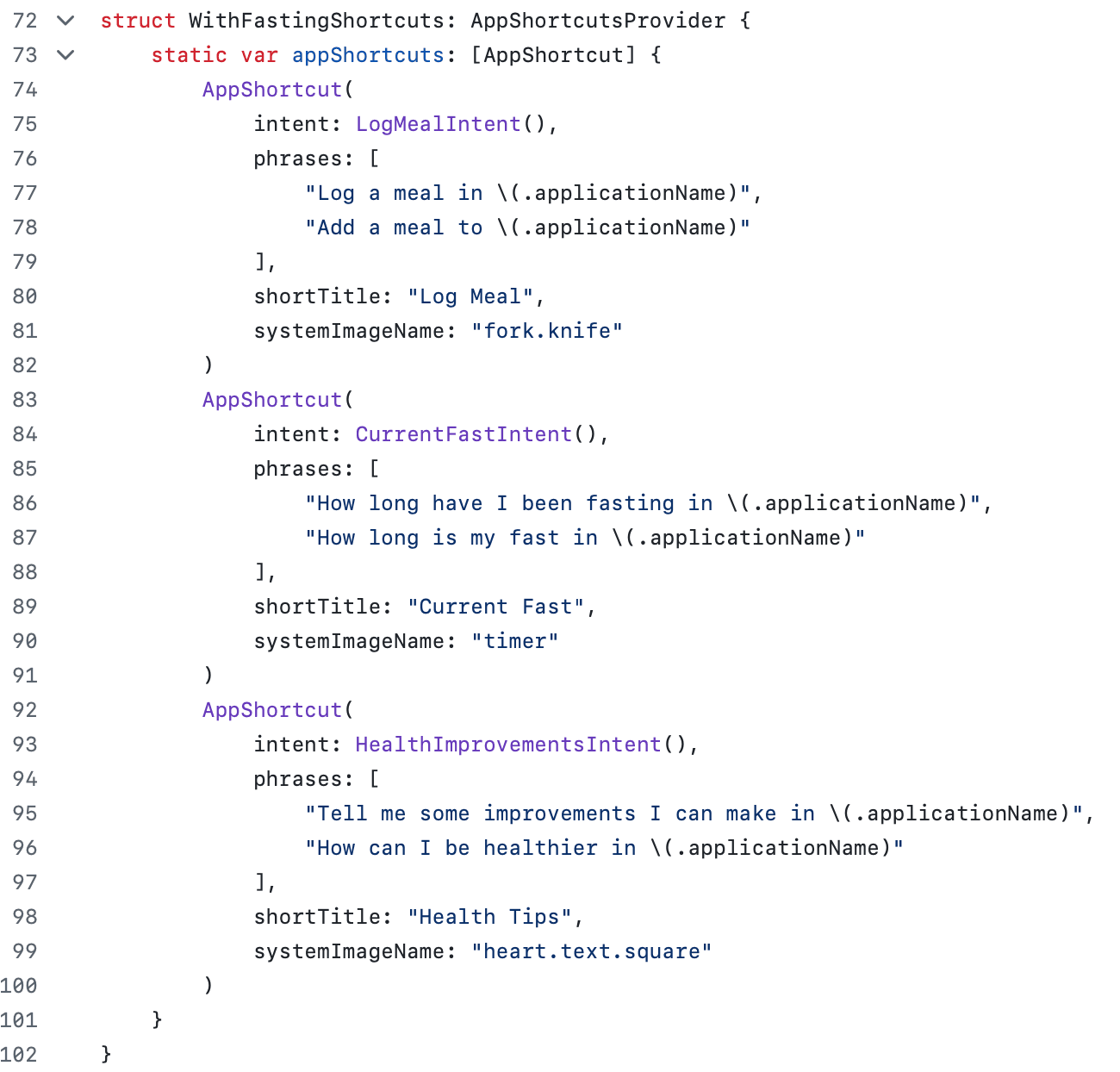
And the intent definition for logging a meal looks like this:
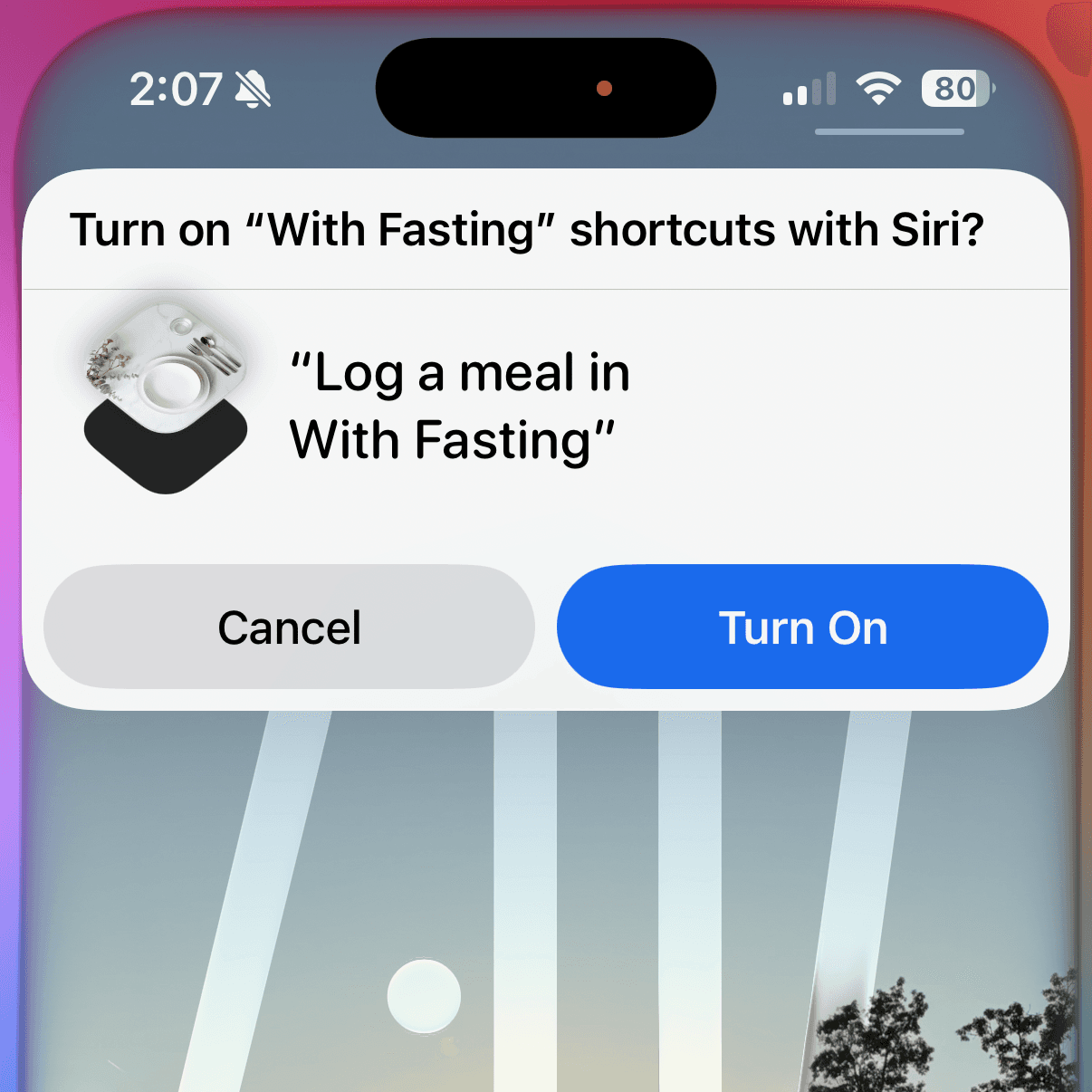
Siri will ask the necessary questions and store the information you tell it. I launched the app, and said “Hey, Siri - log a meal in With Fasting”, and boom, I turn on shortcuts first:
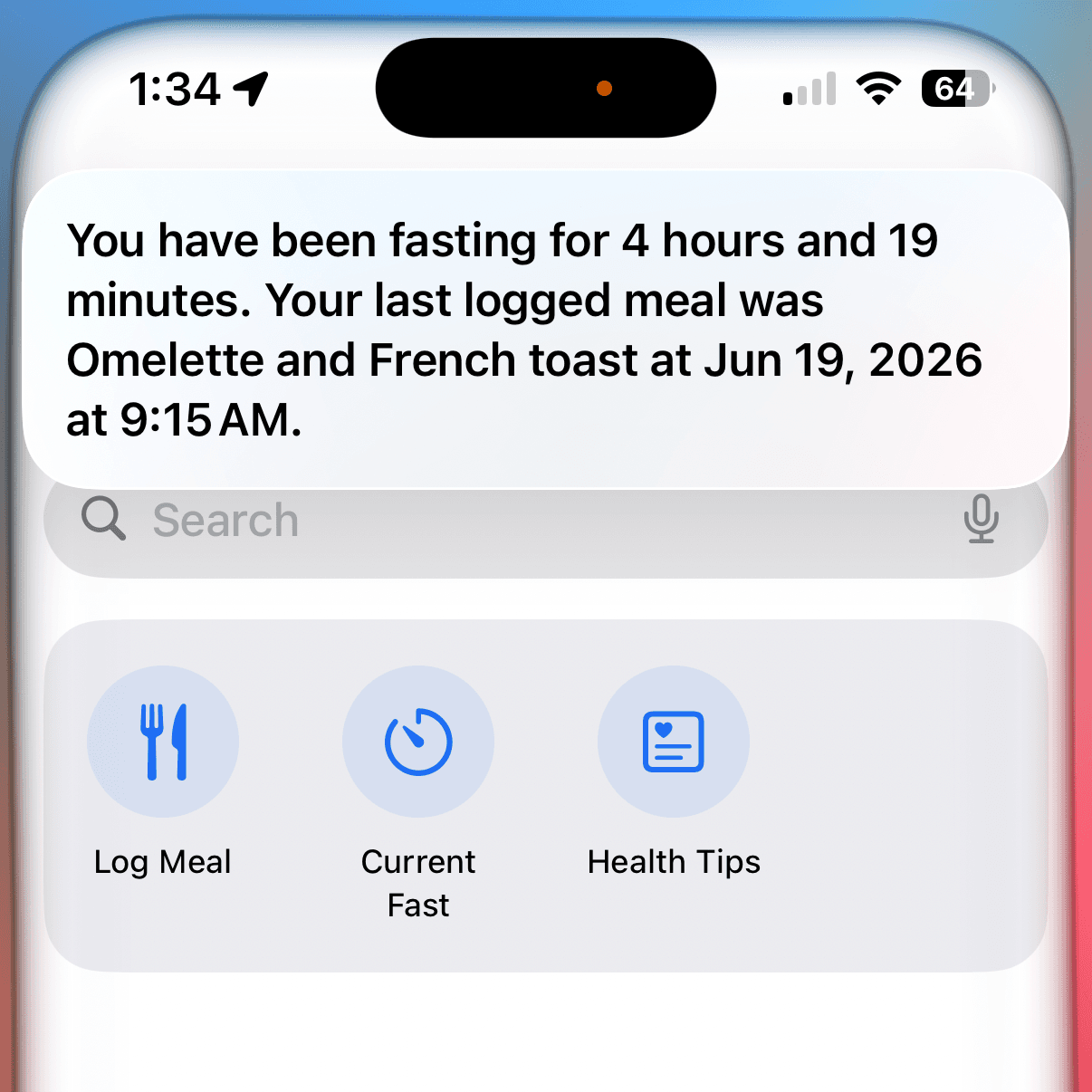
And the meal gets logged. Then I can make use of the other shortcuts I defined in the code. I can ask Siri how long I’ve been fasting.
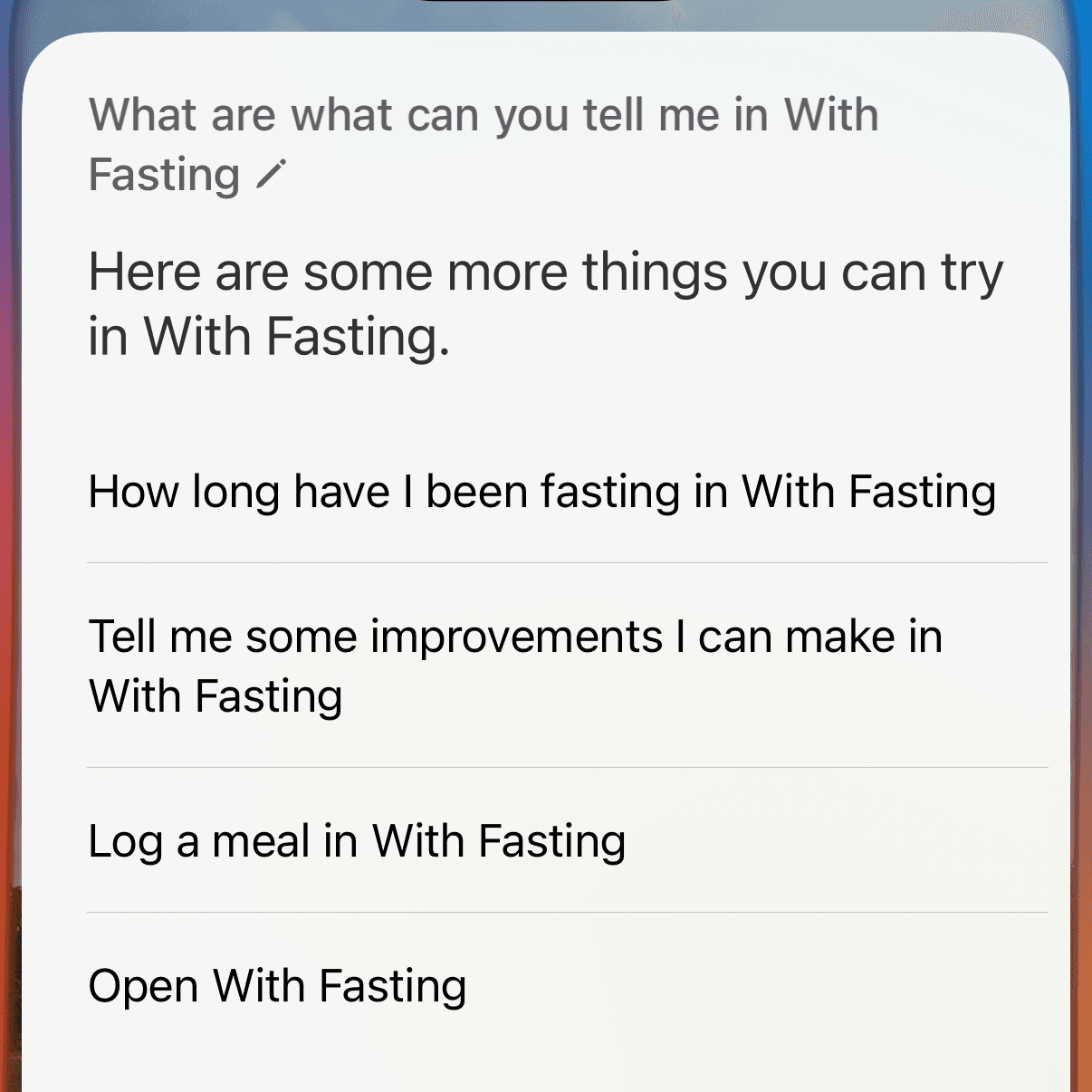
The health tips shortcut leverages the Apple Foundation Models to look at your meals you’ve logged and give some general advice on how you can be healthier. I still need to experiment with this one a bit. I’m also thinking of adding a shortcut for asking Siri for a breakdown of your data - what your longest fast is, what your trend lines are, etc. The app already has a charts screen where you can see data, so Siri can package that in a voice response easily.
So now, my app that I made to give me a shortcut for seeing how long I’ve been fasting is now entirely voice based. I don’t even need to open the app to accomplish my goal, I just talk to Siri. Here are the current capabilities.
Visit this URL to download the app - fun fact, the app name comes from a verse in the book of Joel, a call for us to give our hearts to God. Fasting is an incredible tool we have to remember God, feel close with Him, and recall that we do not live on bread alone.