
Building a Useful MCP Server

Intro
Anybody who has gone beyond basic LLM usage with AI, has come across the term MCP - or Model Context Protocol. It is basically a protocol which allows developers to plug external systems into existing AI models via the client they prefer using (ChatGPT, Claude, etc.). If you Google "MCP", you will see it described as a USB-C port for artificial intelligence.
For the layman, this can make some sense but not really. Today I'll walk through a simple example I built with a client that eliminated the main annoyances in one of their frequent workflows, they may help you understand just how simple and effective an MCP server can be.
The Problem
My client has a common problem across many or all businesses - keeping their business at the top of their customers' minds. To solve for this they do what many or all businesses do - write blogs and send out recurring newsletters via emails. The problem with doing something this simple, is that many blog writing software and email newsletter tools do not provide easy and quick interfaces to accomplish what the user wants. Writing the blog and the email is the easy part. The problem then becomes formatting all of the content in each tool correctly, making sure everything is optimized for where it is being published, not missing any fields or making typos, ensuring images are correct, and so on and so forth. For many businesses, something as simple as a frequent blog and email becomes something they dread and therefore gets done way less frequently than they need.
The Solution
Another that many or all businesses are now familiar with is a chosen LLM. Almost everyone in every office is likely using an LLM of choice on a daily basis, as was the case with my client. MCP becomes a powerful tool because of this. If you are creative, you can plug a solution directly into where a customer already spends a lot of their daily time.
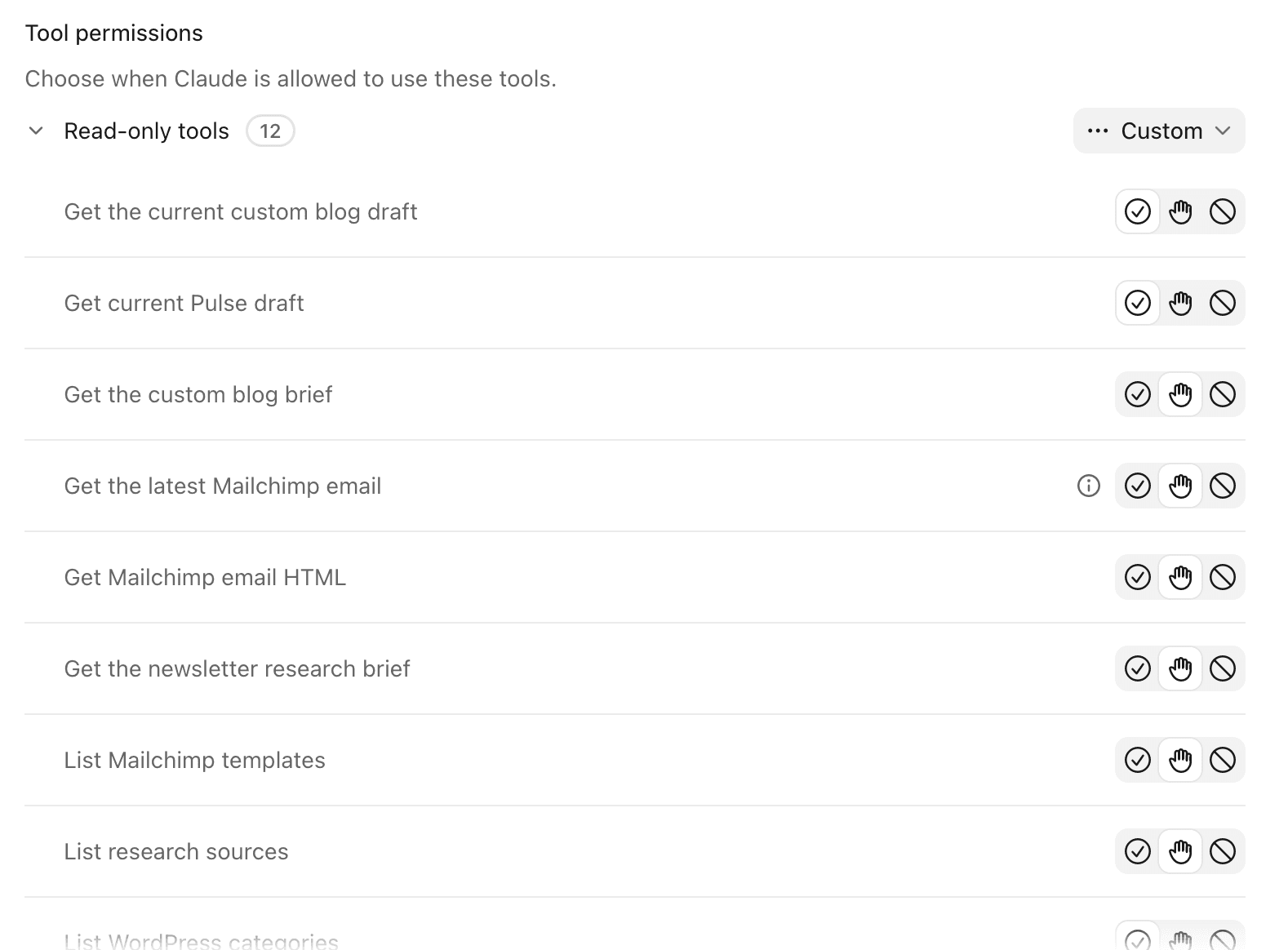
Enter Pulse. The name for the MCP server we built that keeps track of everything needed to create blogs and email newsletters directly from an LLM.
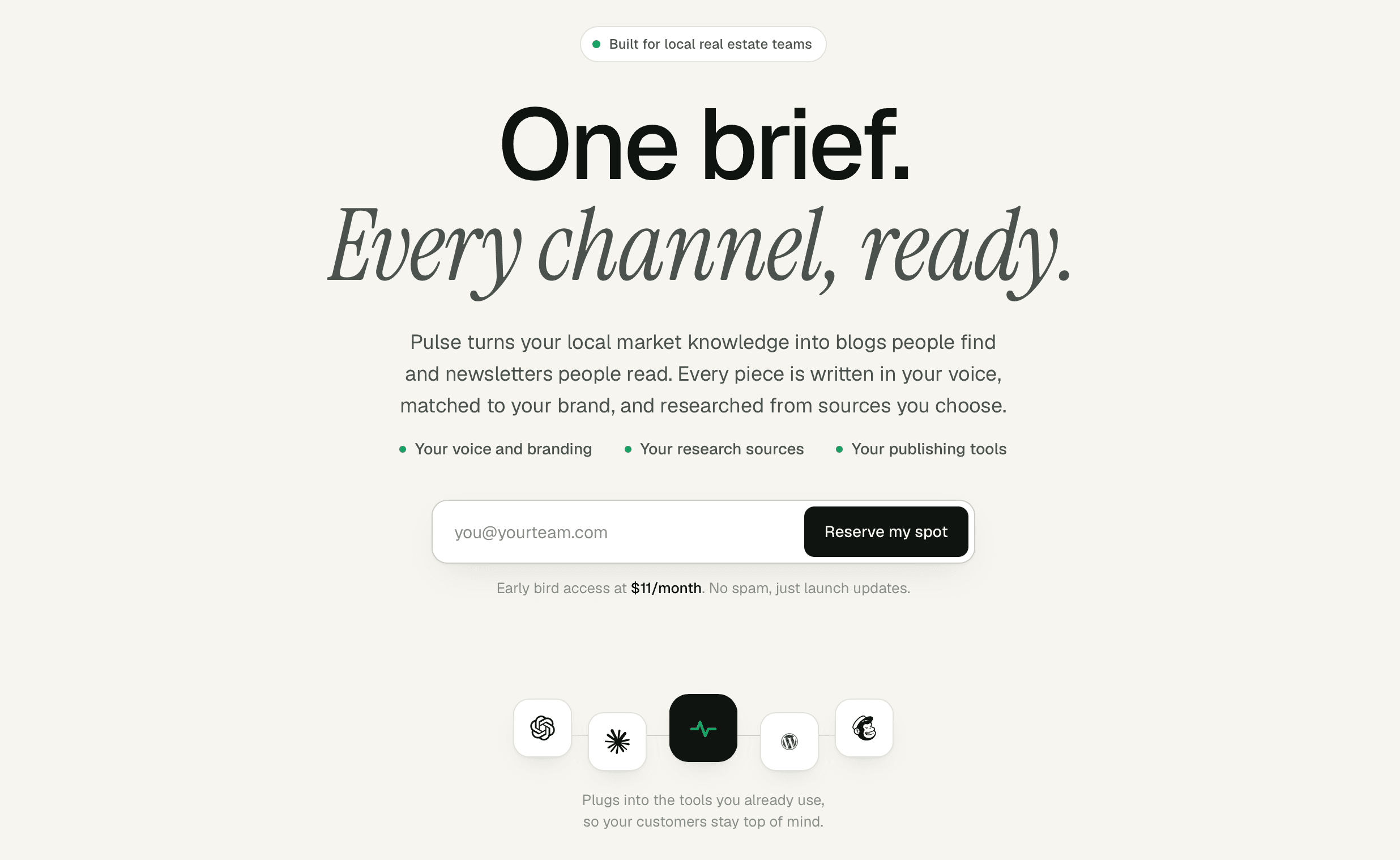
We built a simple server that basically acts as a bridge to WordPress and Mailchimp from your LLM. The app is written in Python and TypeScript. It is a handful of files, a small database with a few tables, has Auth0 authentication and deploys on a basically free Cloudflare worker. It integrates directly with Mailchimp and WordPress via API.
What the app does is holds a prompt and instructions for your LLM on what the tone of voice and general guidelines are for writing. It also contains design guidelines to follow for the blogs and emails. It has a list of research sources which are customizable directly from the LLM, so you can add and remove any web source as needed. It keeps track of blogs and emails in a database and can edit them at will. Lastly, it takes your completed posts and creates drafts in WordPress and Mailchimp that you can then review and publish or send.
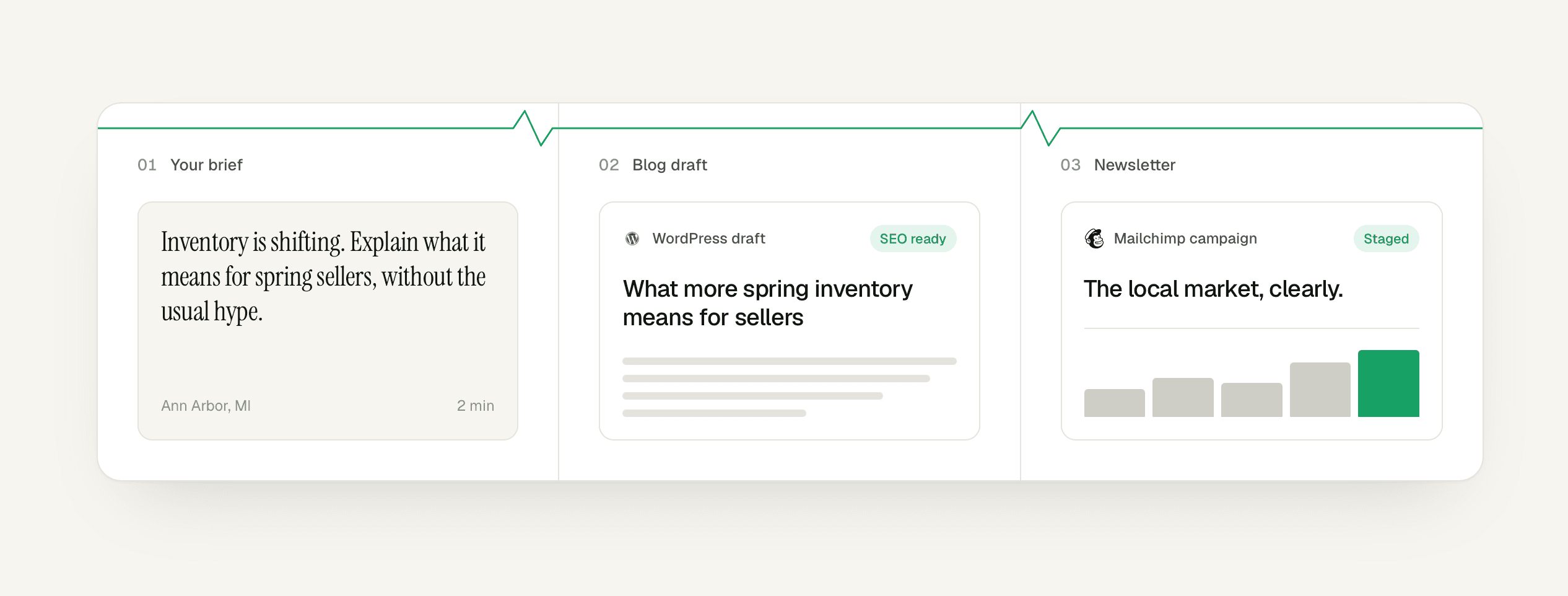
So my client's workflow initially started with logging into WordPress, opening up a blog post draft, writing word by word and formatting things manually while having to ensure they are not making mistakes or missing anything like meta tags, alt tags on images, etc. Then they would log in to Mailchimp and condense the same blog into smaller chunks to fit into a newsletter, having to navigate the whole thing and think through it themselves.
After we created Pulse, my client did not have to log in to either tool to create the drafts, but just connected the MCP server directly to their LLM. Using Auth0, we were able to whitelist allowed emails so only specific people can connect the server to their LLM. Once connected, my client could open a new chat in their LLM and tell it to use Pulse to help create a new blog about X topic. The LLM would take in the instructions and research sources from the MCP and go to work. My client could ask for revisions until satisfied as well as upload media like images to be included in the post or email. Then when ready, in one sentence - "post this to WordPress and Mailchimp as a draft" - my client would have an optimized blog and email newsletter ready in their tools. At this point, they would log in to WordPress and click a button to publish it. Then log in to Mailchimp and click a button to send it to a configured audience.
No more frustration and clicking around different tools just to be able to communicate with their customers. Just chat directly with their LLM and have their marketing materials ready to go.